
My Digital Divide
This summer, my wife and I purchased a family cabin near Patricia Beach, Manitoba. We planned to use it primarily as a get away, but during Covid-19 lockdowns, my wife and I use it to work from remotely. The only limitation was the complete lack of usable (adequate, reliable, and affordable) Internet connectivity. There are no viable options for High-speed internet at this location. There is the ability to get a plain old telephony system (POTS) connection for a land line, but it will not support DSL. An old school modem could work, but that doesn’t really solve my work needs. Yes, there are satellite Internet providers like Xplornet, but it is crappy, weather susceptible, and very costly. Until Elon Musk comes to save the day with low-earth-orbit satellites, this is not viable. Yes, there are cellular options, but the data caps, throttling, and overage costs team up to pack a punch. Dense trees and elevation changes require line-of-sight which means erecting a very expensive and labour intensive 80 foot tower. There are no Internet Service Providers (ISP) running fibre, fixed wireless, or Remote Rural Broadband Systems (RRBS) options.
In this blog I will document my efforts to bridge my digital divide and get to a place where my wife and I can work simultaneously and synchronously.
Phase 1 – Version 1 – Since cellular was the least worst option available at the time, I looked into what could be done with what we already had available as at least an interim solution. Our cell phones worked – mostly. We could use our phones and get emails, but had to stand in one part of the cabin or go outside in the open field. On a good day, we could even prop our phones in the front window and tether a single laptop off of the phone to send and receive some messages, but rarely would streaming audio or video work.
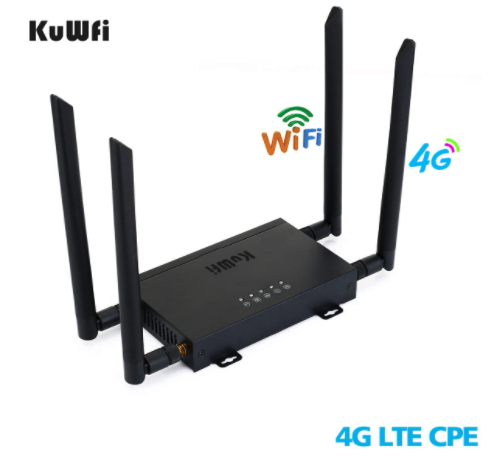
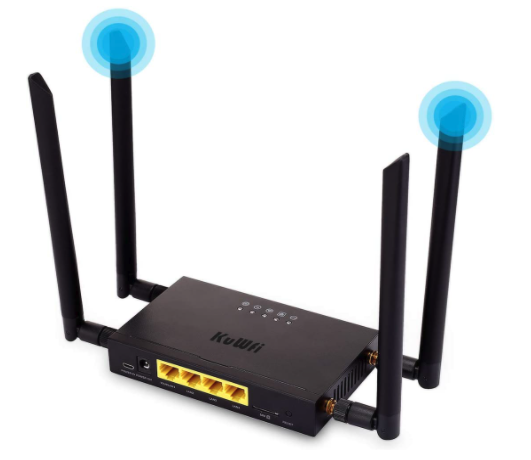
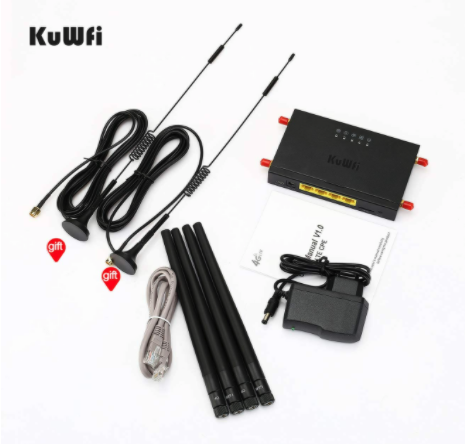
So, I stated by buying a 4G LTE Car WiFi Wireless Internet Router 300Mbps Cat 4 High Speed Industry CPE with SIM Card Slot and 4pcs External Antennas for USA/CA/Mexico (Link to Amazon page). $89.99 USD (It is a Chinese knock off of $300-400 routers by other manufacturers, so it’s a little flakey, but I expected that going into this.
A quick note about MIMO. Multiple In / Multiple Out radio antennas. “MIMO” specifically refers to a practical technique for sending and receiving more than one data signal simultaneously over the same radio channel by exploiting multi-path propagation. Basically, since there is a maximum amount of data that can be sent across any one radio link at a given moment, having a second antenna increases that amount by not quite double. It is like having 2 cell phones communicating at the same time for better speeds, throughput, and reduced latency. In short, 2 antennas = more good Internet 🙂
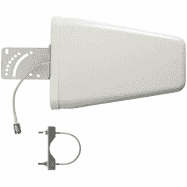
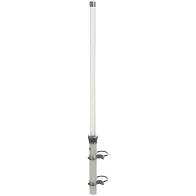
Phase 1 – Version 2 – So, then I purchased 2 x Wilson Yagi Directional Antenna, Wide Band, 50ohm – 314411 These are both significantly larger than the antenna in a phone or even on the cell router (above).
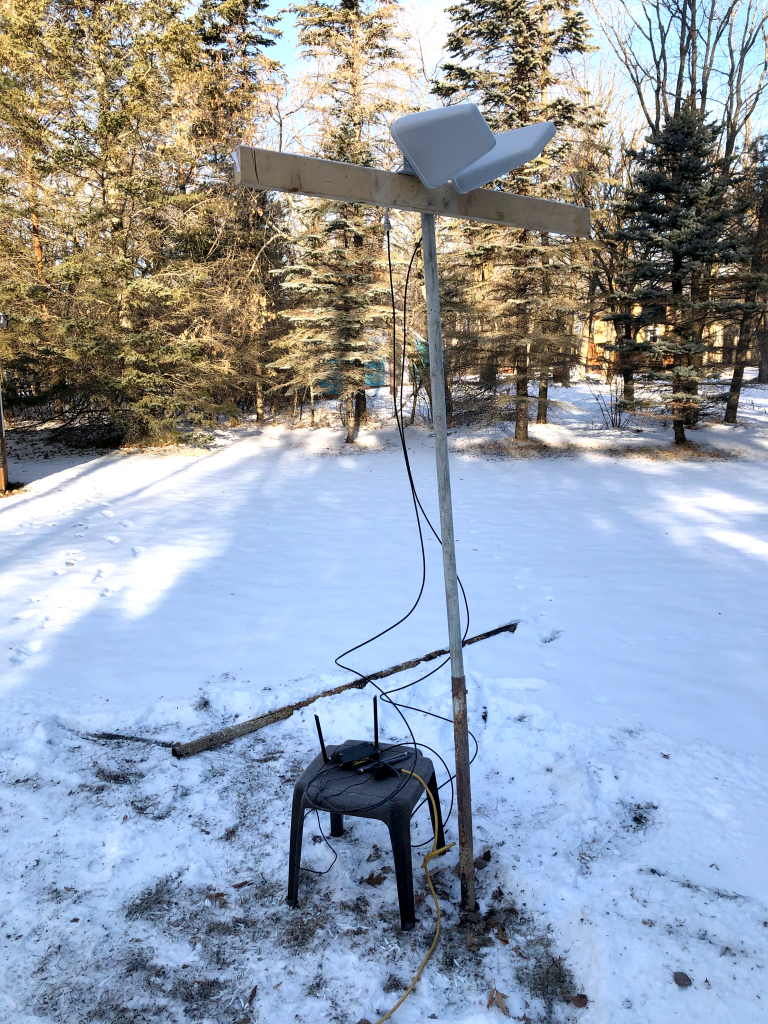
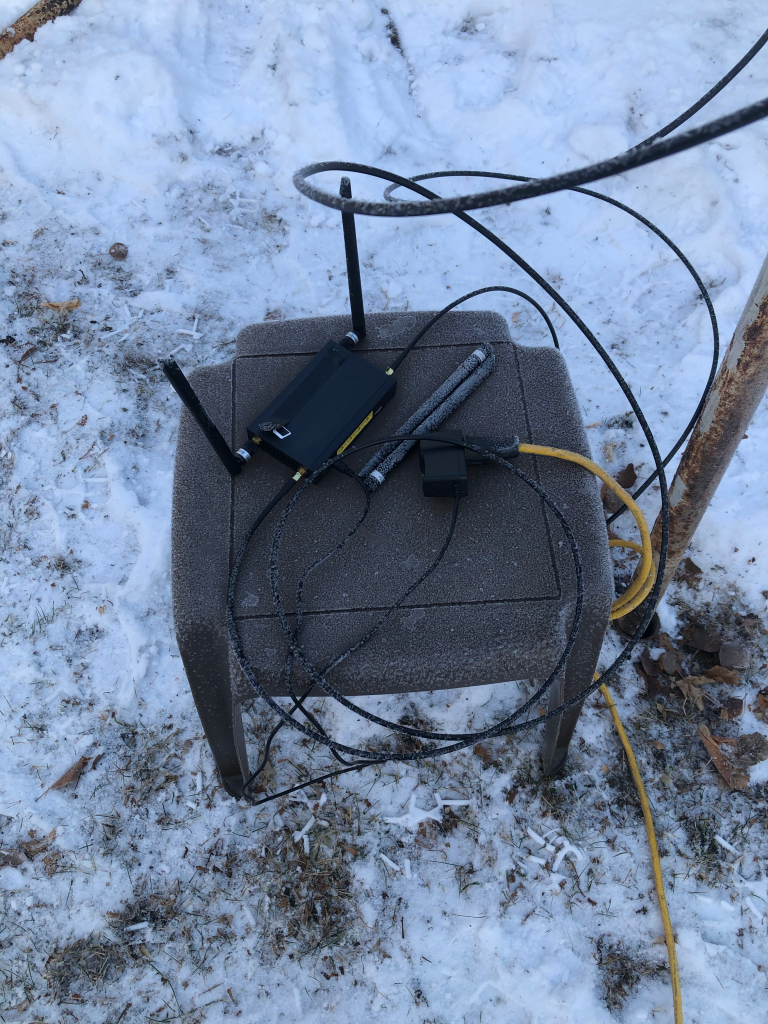
Phase 2 – version 3 – Since the proof of concept was successful, it was time to make a more permanent version. Without building an 80 ft tower closer to the cabin, I targeted our gazebo roof as the new home of this Frankenstein homage, at least until the leaves grow in and kill my connection. This whole rig will eventually find it’s home on a full tower. That is why I added the motorized turntable to adjust the direction of the antennas once it’s 80 ft in the air.
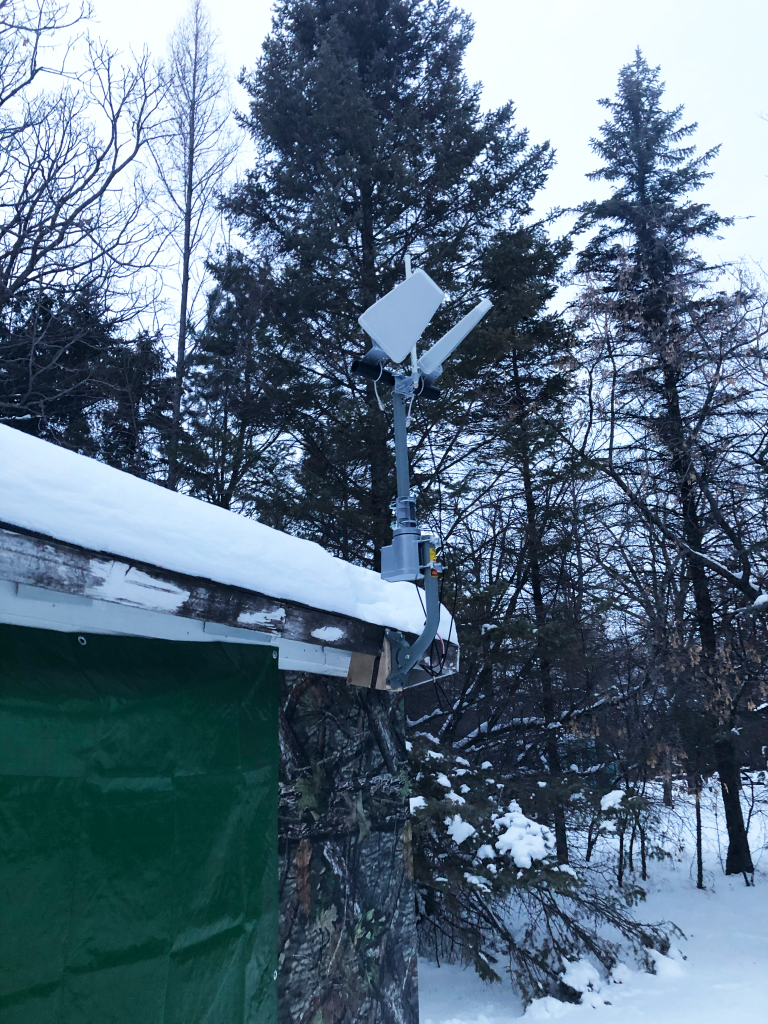
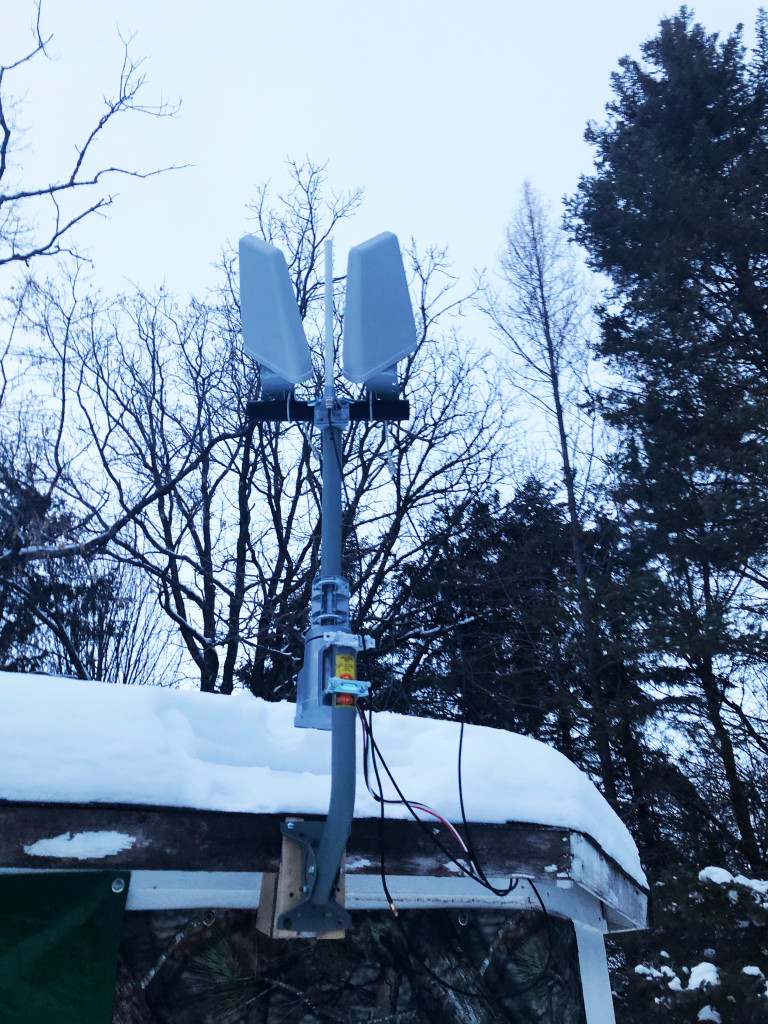
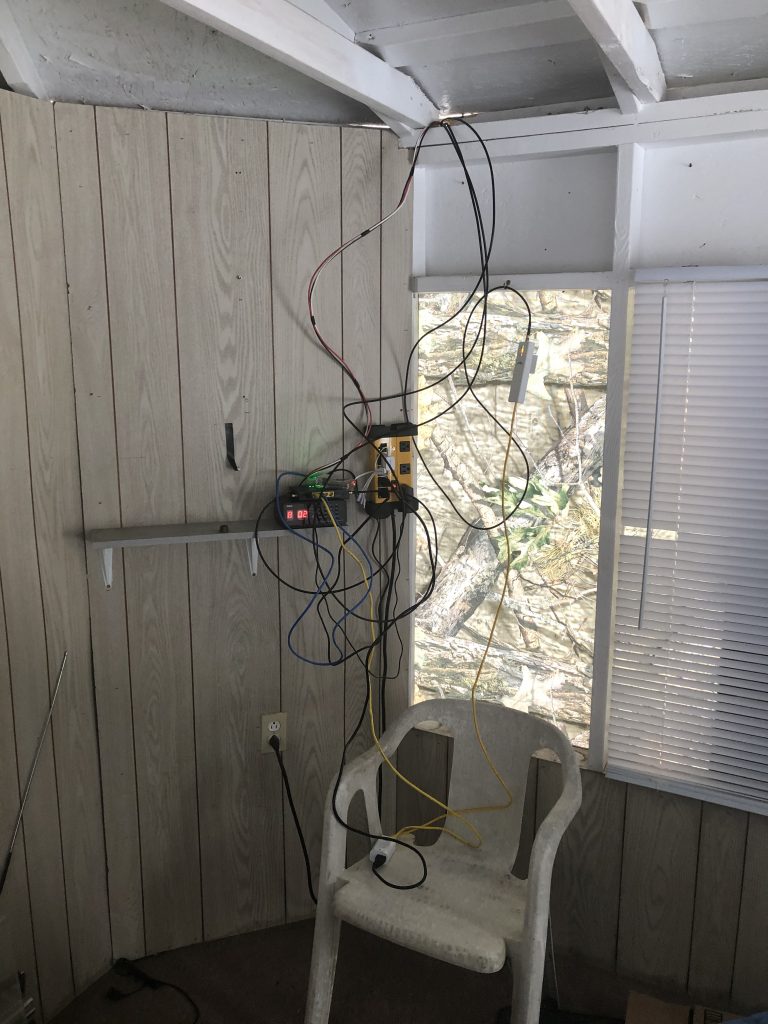
Inside the gazebo view 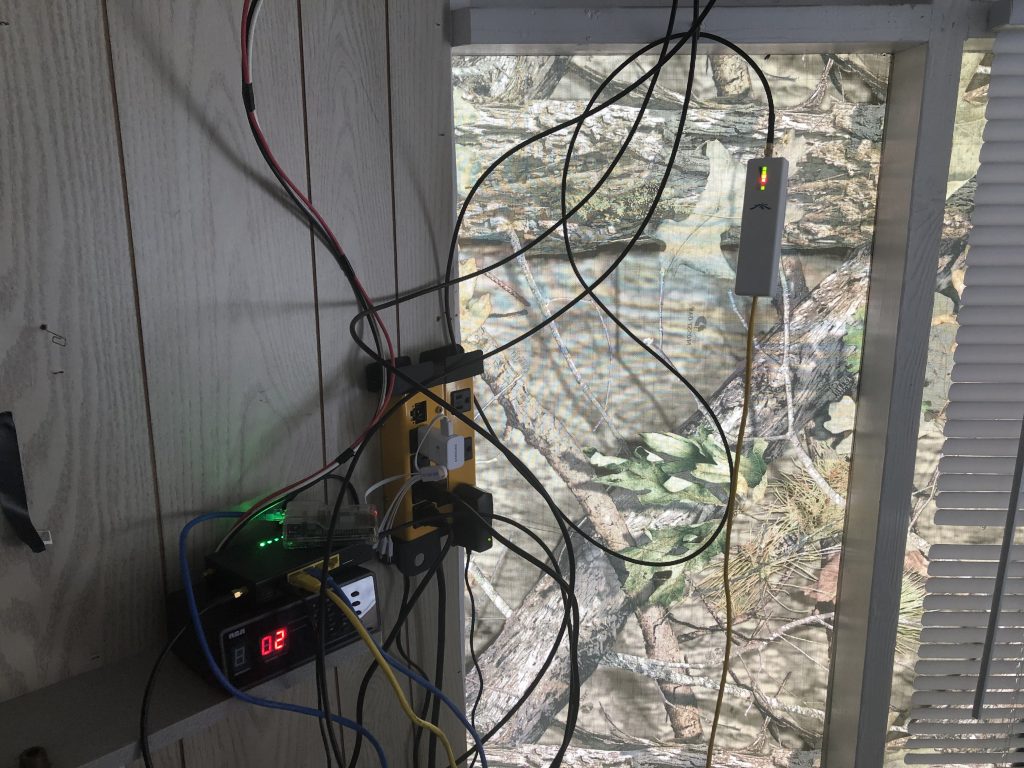
Don’t judge the install 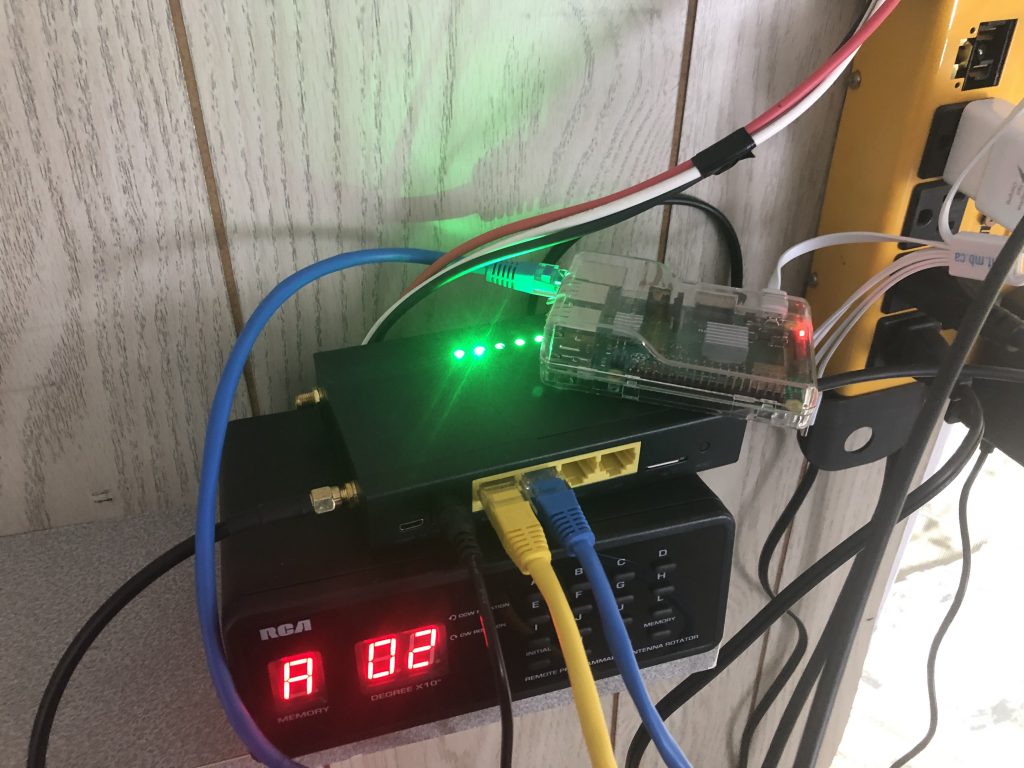
RPi and Cell TX/RX

A little bit about SIM Cards and Data Plans
So, the important thing to remember about this type of connection solution is that it is very different from “fixed” wireless or direct connection (DSL, Coaxial, fibre). The first issue is data caps, throttling, and the term “unlimited”. Cellular plans are tied to a single subscriber identity module or subscriber identification module (SIM). Each card has a connectivity plan with a set amount of data allowed in a given billing cycle. Canada has regulations regarding what providers can charge and what their responsibilities are. Check out the CRTC’s info page, but don’t be surprised if you come away confused and sceptical that it’s actually what consumers can expect to experience. In short, the user pays for a set amount of data (which is data uploaded and downloaded over the cell network, not including voice communications) and when that threshold is reached, the user’s connectivity is throttled. As opposed to the past when the user was cut off, or when overage charges were applied, carriers not impose artificial speed restrictions through quality of service (QOS) policies on the account until the next billing cycle renews. Often the speeds experienced while throttled are worse than dial-up and renders the device almost useless, especially for tasks like conference calls or video streaming.
When we started this cabin adventure, my wife, daughter, and I shared a data plan from Rogers. This was August 2020 and our contract didn’t come up for renewal until November 2020, so we had to make do with what we had because the change fee was ridiculous. This plan covered our three phones and we all drew from a single data cap of 30 GB. Before having the cabin, this was enough because we all live in Winnipeg and use wi-fi from home or work or even businesses and public spaces. We only used cellular when out and about between locations. When we added the cabin, we burned through our cap in a single weekend and that was while trying to be conservative. With the shared plan, hitting the limit meant that the throttling was imposed on all three of our devices until reset. Overage costs were huge and disproportional, so many grumpy conversations were had, but we survived.
Once our data plan came up for negotiation in November, we tried to add a fourth card (1 to leave in the cellular router, so I didn’t need to keep swapping mine) to our shared account and were given two options. 1) Buy a new SIM card and pay a $10 monthly fee every month going forward; or 2) get a free promotional Samsung tablet with a SIM card included, pay nothing for the tablet or card, and no monthly service fees either. … Did you re-read that? Correct, totally stupid, so of course we took option 2. I like to say “If it’s stupid and it works, it’s not stupid“. I removed the SIM card from the tablet and put it in the cellular router, then just connected the tablet to the wi-fi (which is connected to the SIM card) and it gets data that way. Now all our devices connect over wi-fi to the cellular router when we are at the cabin and we use our individual cards when back in the city. We were able to renegotiate a new data cap level and for $20 more, we now share 88 GBs/month.
This is a work in progress. More to follow. This will likely be it for the winter. The next step is to integrate my test IIAB network into this as a subnet.